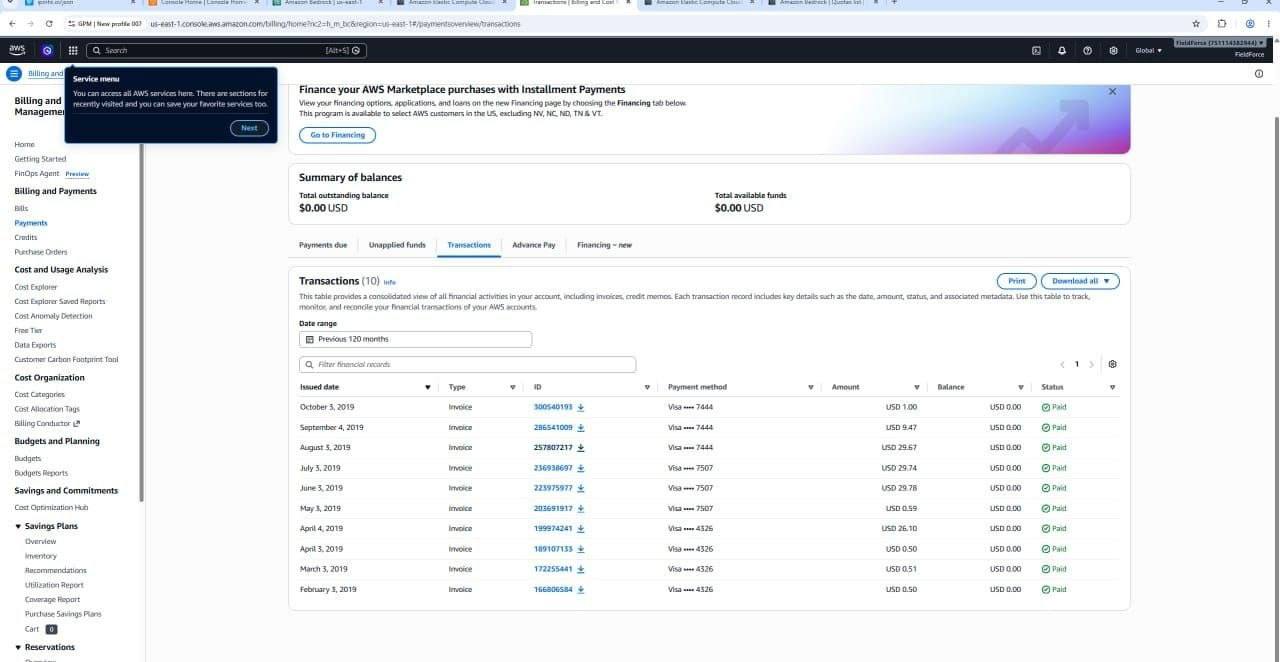
 AWS VCPU Account's
 Aws Ai Account
 AWS RPM Account Kiro supported
.webp) Aws SES open port Account
Aws SES open port Account
 Aws Bedrock account
.webp) Buy AWS Cloud Shell
Buy AWS Cloud Shell
 Aws Credit Accounts

To host plain HTML files (static website content) on AWS, the standard and most popular option is Amazon S3 (Simple Storage Service) using its built-in Static Website Hosting feature.
Depending on your requirements for speed, custom domains, or deployment workflows, there are three primary ways to set this up:
Key Options for Hosting HTML on AWS
- Amazon S3 (Static Website Hosting): The simplest and most direct method. You upload your
.html,.css, and.jsfiles into an S3 bucket, enable Static Website Hosting in the bucket properties, and setindex.htmlas your default index document.AWS generates a unique website URL for your bucket. - Amazon S3 + Amazon CloudFront (Recommended for Production): Best for performance, custom domains, and HTTPS support. S3 stores the files, while Amazon CloudFront acts as a Content Delivery Network (CDN) to cache and serve your static HTML globally with low latency and free SSL/TLS encryption.
- AWS Amplify: Best for automated deployments from Git. You connect a GitHub or GitLab repository containing your HTML files to AWS Amplify, and it automatically builds and hosts the site globally whenever you push changes.
Best Choice Summary
| Use Case | Recommended AWS Option |
| Simple, direct upload without SSL/custom domain | Amazon S3 |
| Production site with custom domain, global CDN, and free HTTPS | Amazon S3 + CloudFront |
| Automatic deployments directly from Git (GitHub, GitLab) | AWS Amplify |
| Use Case | Recommended AWS Option |
| Simple, direct upload without SSL/custom domain | Amazon S3 |
| Production site with custom domain, global CDN, and free HTTPS | Amazon S3 + CloudFront |
| Automatic deployments directly from Git (GitHub, GitLab) | AWS Amplify |